A 'Follow-me' User Personality
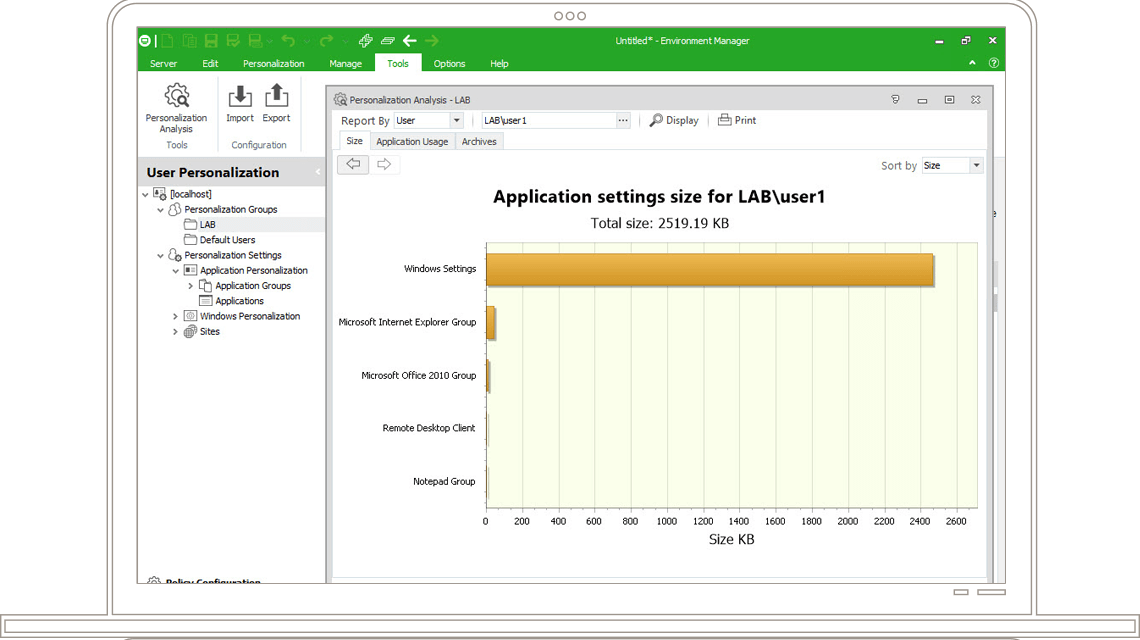
Including User Virtualization with your XenDesktop environment provides a 'follow-me' personality across even the most complex of environments. All user personalization activities are virtualized and redirected from user's virtual desktop to a central database. These settings can now be streamed into user's desktop regardless of whether that desktop is delivered by virtualization, streaming, publishing or locally installed (or combinations thereof). This provides a consistent, familiar and flexible working experience to the user, based on a low-cost, low-maintenance standard desktop image.

A 'follow-me' user personality
- Automated Personalization Intelligently indentifies and virtualizes all user personalization settings in real-time. These settings are dynamically synchronized back to a central database. The latest up-to-date settings are then available to be streamed on-demand into any XenDesktop session.
- Personalization Streaming Rather than loading and unloading large amounts of profile data into the XenDesktop session at logon and logoff, only required personalization settings are streamed into the session in real-time, reducing logon times and eliminating profile corruption.
- Offline Mode Support Ensures mobile users have access to the latest version of their settings, and ensures their settings are synchronized across open sessions when back online, ready to import any new changes made while offline, back into a XenDesktop session.
- Application-Level Personalization Personalization settings can be streamed to an application only when that application is accessed, enabling complete isolation of application data from the OS and other applications enabling IT to update the operating system and applications with no impact to the user experience.
- Migration to Virtual Desktop Accelerate and reduce the cost and risk in migrating users from a physical desktop to a XenDesktop by extracting all existing user personalization setting from the current environment and applying them to the new XenDesktop environment, providing a familiar user environment, or simply upgrade existing user profiles to a User Virtualization solution.
Next section: Virtual Desktop Configuration
Click here to go back to the AppSense UEM and Citrix XenDesktop homepage.
Related Documents US
Related Documents (UK)
More Info
Contact Us
Do you have more questions?
Please email info@appsense.com for more information.