AppSense Environment Manager

Environment Manager

AppSense Environment Manager provides consistent and contextual user environments across multiple application delivery mechanisms.

With AppSense Environment Manager, IT can manage user profiles with minimal maintenance as well as provide users with some level of personalization of their working environment. Combining company policy with user preference across a range of application delivery mechanisms reduces maintenance costs, secures the environment and increases user productivity.

Benefits

  • Provides a flexible and robust solution to roaming profile issues
  • Removes the potential for profile corruption
  • Enables consistent quality of service to the user regardless of the environment delivery mechanism
  • Manages profile settings across distributed server silos
  • Simple migration from existing profiles
  • Reduces logon times dramatically
  • Malicious or accidental user environment changes can be automatically self healed
  • Minimizes support costs and maximizes user productivity

Key Features

  • Comprehensive Profile Management

    AppSense Environment Manager can be used to resolve roaming profile issues that may be encountered when users are logged on to multiple servers. Used in conjunction with a mandatory profile, AppSense Environment Manager can be configured to save different portions of the user's profile at logout, such as registry settings and files, and then restore them when the user next logs on.

  • Self Healing

    Self healing technology ensures that computer and user environment settings are restored to their original state in the event of a system failure or unauthorized changes. AppSense Environment Manager self heals a wide range of items from processes and services to files and the Registry. Self healing can be used to ensure critical applications, such as security software, are always running, providing additional security against the threat of Trojans, worms and spyware.

  • Application & Operating System Lockdown

    Administrator are empowered to strip out unwanted functionality from third party software either for security reasons or to reduce the complexity of the end user experience. Lockdown actions include the ability to hide or disable user interface controls and block keyboard shortcuts for all, or specific, applications.

  • Removable Storage Control

    The ability to control access to removable storage devices, such as USB pens or MP3 players, allowing full access, no access or read-only access on a per-device or device group basis. Any Environment Manager rule can be applied to the removable storage control action, enabling targeted control of devices under different environment scenarios.

  • Extendable rule conditions

    The ability to set the result of a rule via a custom script (VBScript or Java Script). This enables the administrator to create (or copy) a script in the Environment Manager console which is evaluated at runtime to determine if the actions to which it is attached should run. This provides total flexibility in controlling the user environment and enables actions to take effect based on the outcome of end-point analysis checks.

  • Custom actions

    The ability to run a script as part of the logon/logoff or startup/shutdown process. This enables the administrator to create (or copy) a script into the Environment Manager console which would be executed as part of logon/logoff or startup/shutdown process. This provides the ability to cater for additional action types including MAPI settings, Windows XP Firewall control or for scripting other AppSense products such as Application Manager.

  • Configuration Snippets

    The ability to export individual sections of a configuration, for example a section containing the setup or lockdown of a particular application, enabling administrators to build a "library" of configuration snippets. These partial configuration snippets can then be imported into the same, or a different, configuration at a later date.

  • Comprehensive Auditing & Reporting

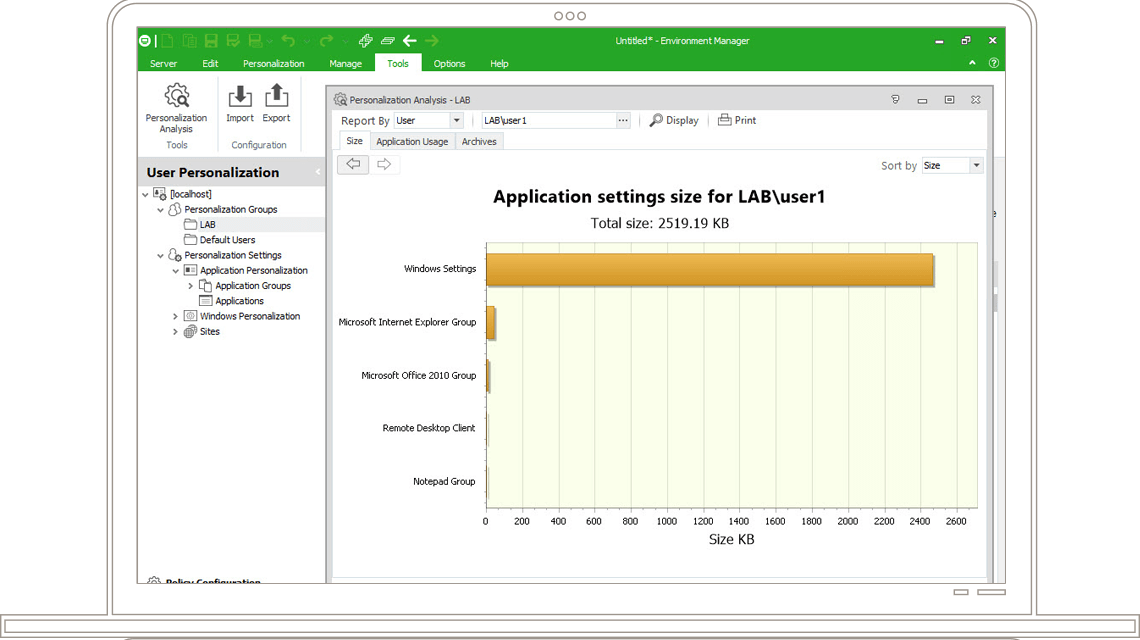
    The ability to raise and store Environment Manager event data in a central location and review historical events and alerts in graphical and tabular format. Reports include details of successful or unsuccessful user logon/logoff events, removable storage device access and areas of the system that have been self healed.

Related Solutions